ADECS³ [Module-RDM]
Remote Direct Manual
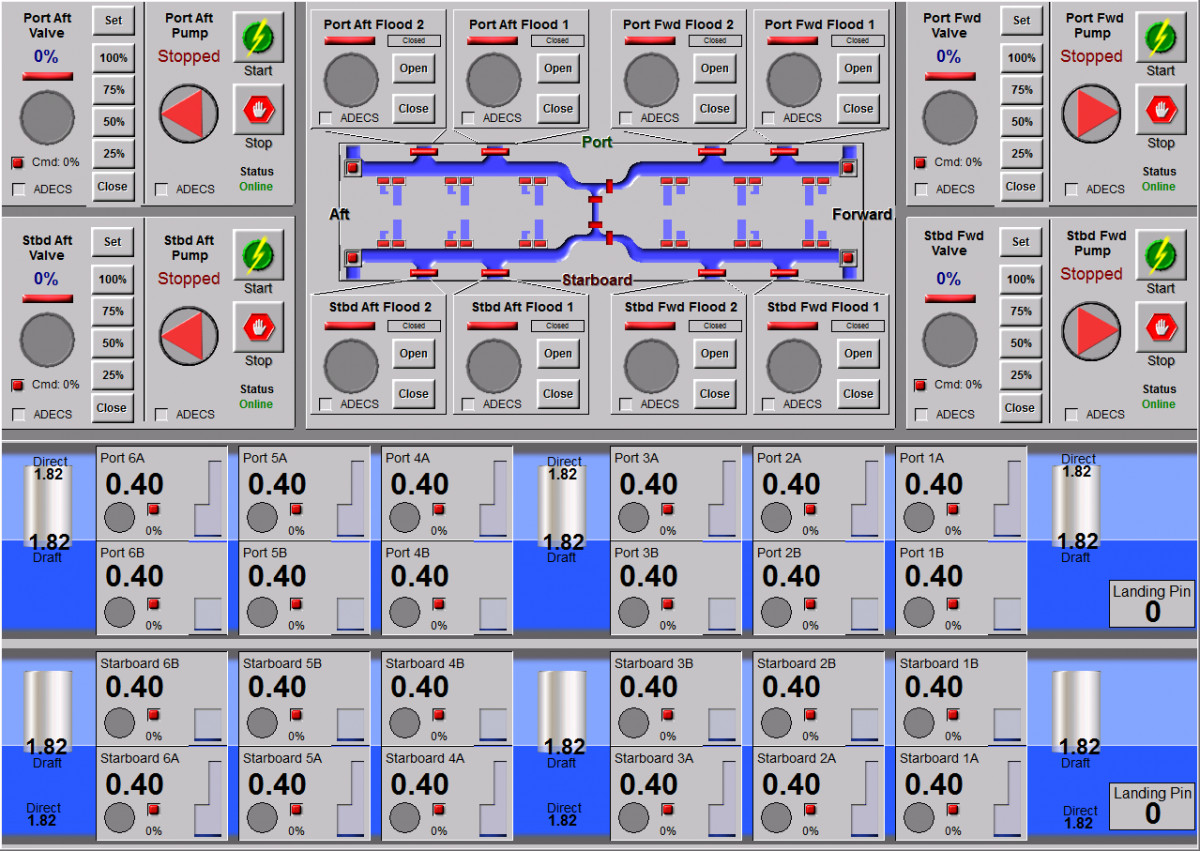
The Remote Direct Manual (RDM) control system for a floating dock provides manual control of the dock by operators in the control room.
In the simplest terms, the RDM is an electronic replacement for the hard-wired control console that is typically very large and difficult for operators to manage.
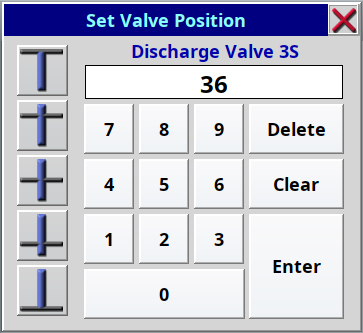
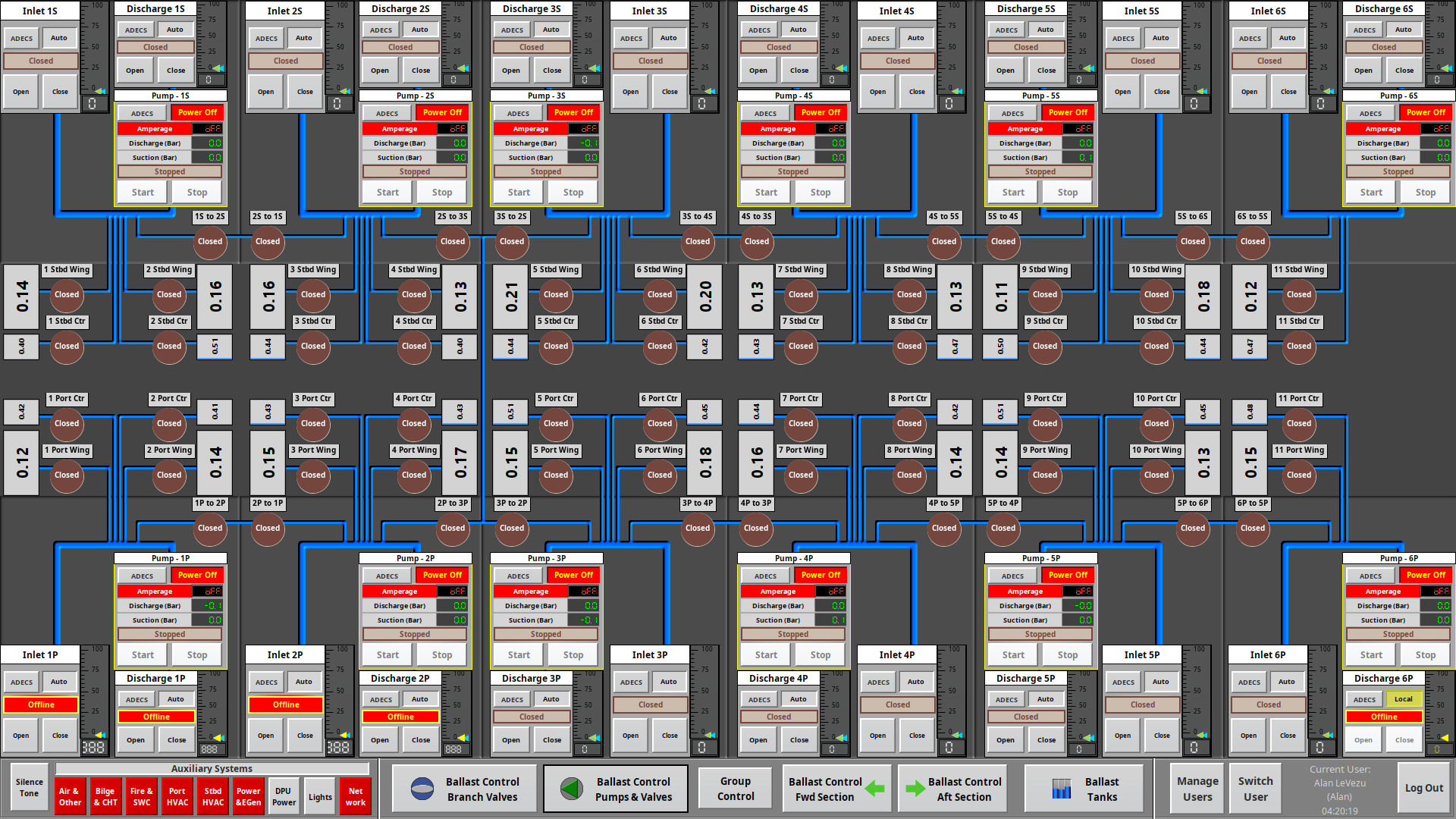
The graphical display(s) provide controls for the valves and pumps, and present key information that includes valve and pump status, and individual tank and draft levels. All of the information and controls are available to the operator in a format that is easy to comprehend and use while controlling the ballasting and deballasting of the dock.
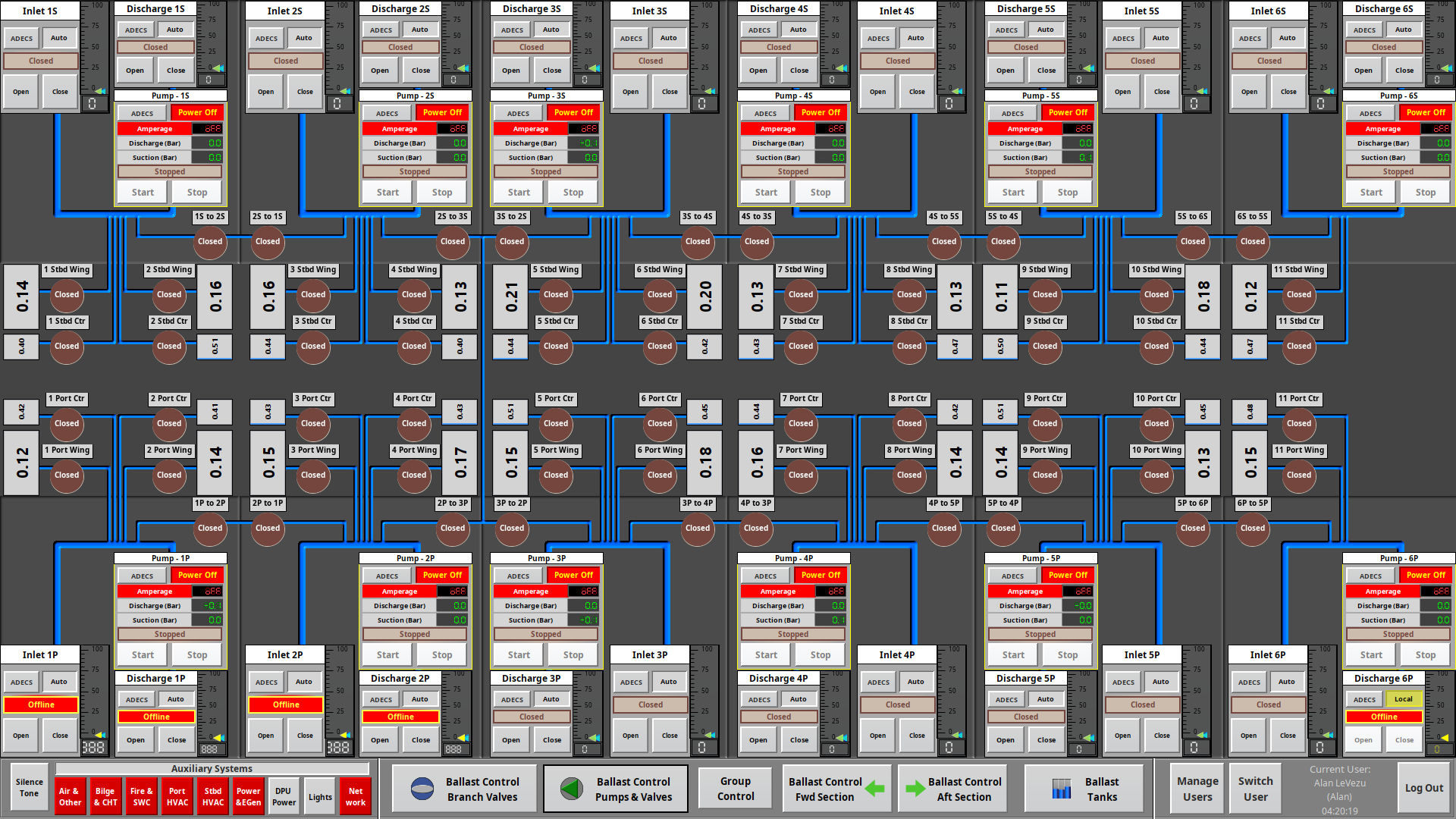
A typical RDM console includes at least two redundant touch-screen based monitors that are used to monitor tank and draft levels, open or close valves, start or stop pumps, etc. using display based push-buttons, selectors, indicators, and gauges. The Graphical Interface Screens available on these monitors includes general overviews of the dock’s status, activity related control of required items, and detailed monitoring and control of every pump and/or valve.
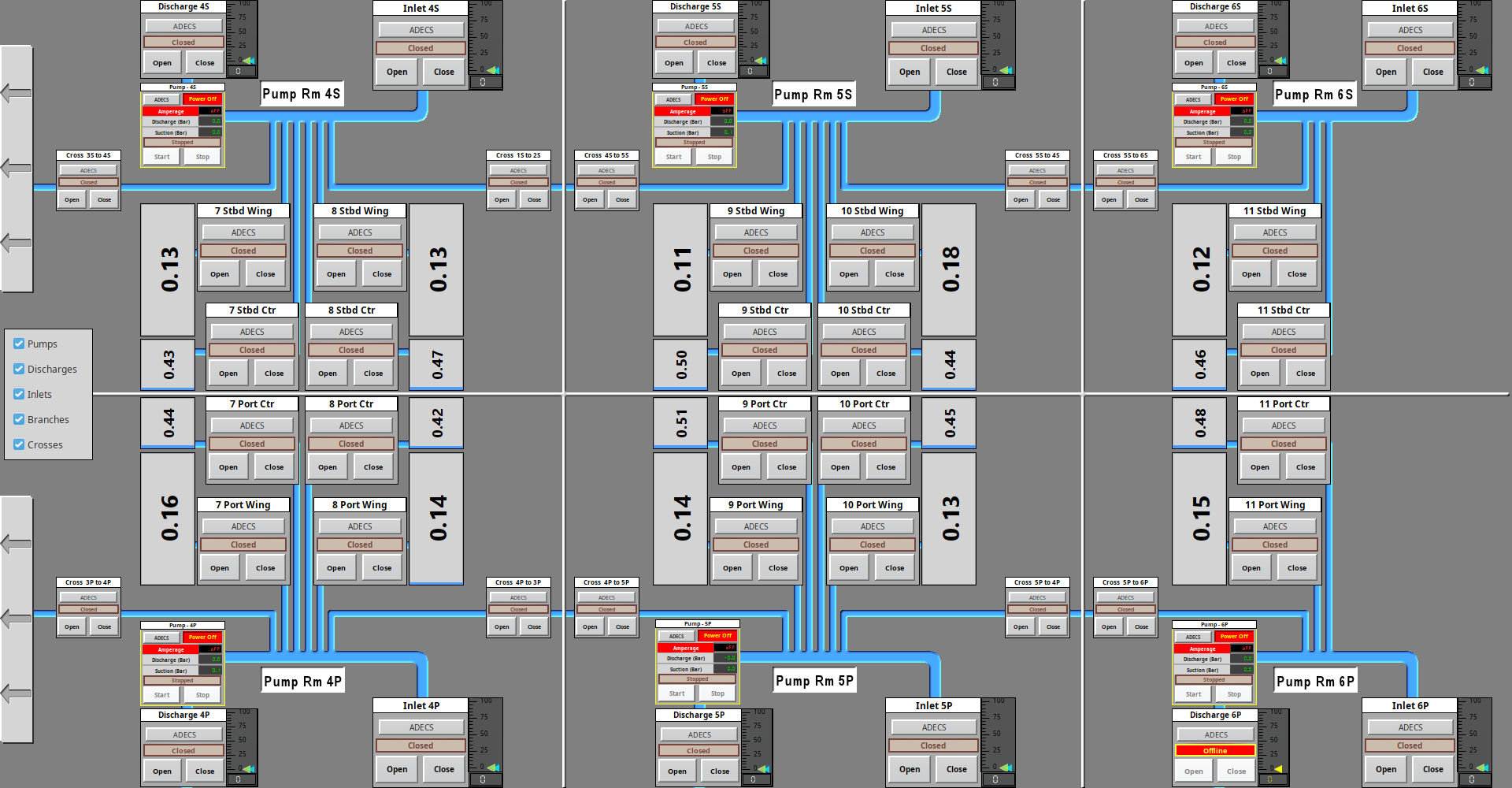
In order to prevent unauthorized or unintentional access to the operation of the dock, the RDM console has a keyed selector that must be “on” to change the state of any device. While operation is limited by this key-lock security, monitoring of the dock and all of the monitoring type features are available at any time.
Simple alarms are available in a stand-alone RDM system, with a physical alarm silence button.
When matched with a corresponding Attitude and Alarm Monitoring (AAM) module and the Multi-Axis Deflection Monitor (MDM) module, complete information about the dock and its current state is available to anyone.
A secondary option with this system is to add additional Remote Auxiliary (RAX) system monitor and control screens to handle other functionality beyond that directly involved with the raising and lowering of the dock. The RDM screens have links to the RAX screens, and in fact the additional RAX screens can be used as RDM screens, or vice-versa as desired.
|